Assess
We confirm the displays, typical work, lighting, brightness needs, and any colour-critical apps.
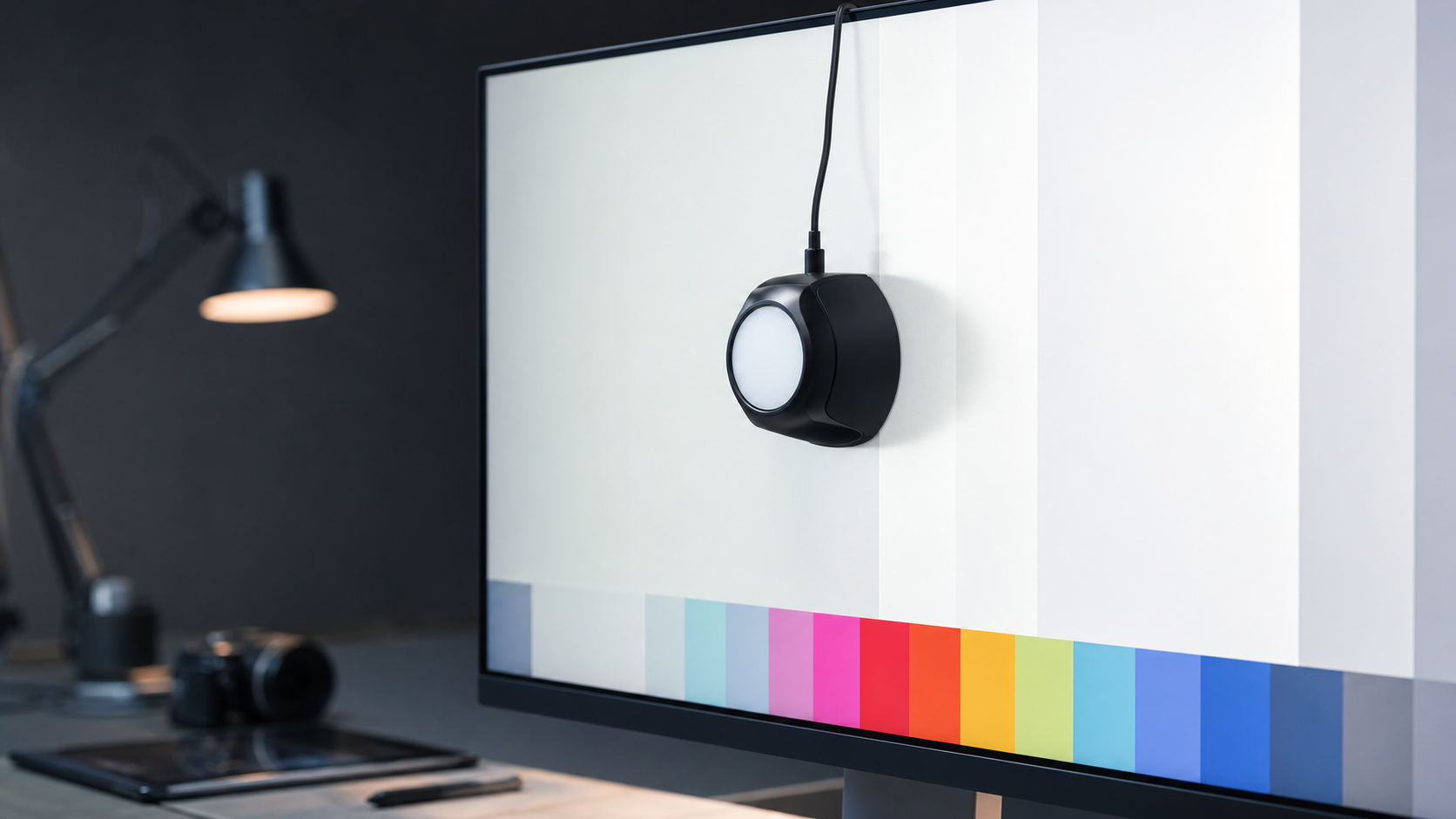
On-Site Display Calibration in Uusimaa
Measured on-site display calibration and validation for photographers, editors, designers, and studios across Uusimaa, helping colour-critical work start from a measured display instead of guesswork.
What the Service Does
I use professional measurement equipment to tune high-luminance displays, including mini-LED, OLED, HDR-capable monitors, laptops, and Apple XDR panels. The aim is simple: make the display you edit on less surprising.
Each visit includes target selection, practical lighting review, measurement, profile creation, validation, a before-and-after check, and plain guidance for keeping the setup consistent after I leave. It is calibration as maintenance, not a promise of perfect colour forever.
Displays I Can Profile
I use a high-luminance colourimeter suited to LCD, mini-LED, OLED, Apple XDR, laptop, and other bright modern displays.
You do not need a specialist reference monitor to benefit. If you make colour decisions on a screen, it is worth getting it calibrated.
Visit Flow
We confirm the displays, typical work, lighting, brightness needs, and any colour-critical apps.
The screen is measured and adjusted toward sensible targets for your work, not a generic preset.
A display profile is created and installed so colour-managed apps can render more accurately.
You get a plain-English summary of what changed, what to avoid, and when to recalibrate.
Pricing Model
Display calibration starts at 39€. Two displays are 69€, three displays are 99€, and larger studio or team setups are quoted individually.
A Focused Multi-Display Visit
Ideal for one workstation, laptop plus external display, or a small edit setup.Who It Helps
For visual production across Uusimaa.
Make editing decisions from a known baseline before files become physical output.
Judge contrast, skin tone, saturation, and exported work from a more predictable display.
Reduce the drift between intended colour, review screens, brand assets, and client feedback.
Review fabrics, finishes, products, and visual references with fewer screen-led surprises.
Why Calibrate?
A calibrated display gives your main editing screen a measured baseline, so colour, contrast, and brightness decisions feel less like guesswork.
Calibration cannot make every screen, print, or client device match perfectly. It gives your own display a validated starting point and makes the limits clear.
Many creative workflows use D65, but print matching, office lighting, and specialist review environments can call for different brightness, white point, and gamma choices.
Factory modes can be useful, but measurement tunes the setup to your panel, your room, and the way you actually work.
Displays should be powered on before measurement so brightness and colour settle closer to normal working behaviour.
For colour-critical work, a repeat profile every few weeks or months keeps display drift from quietly becoming part of your editing style. Screens change over time, so the result should be checked, not assumed.
Why I Care About Colour
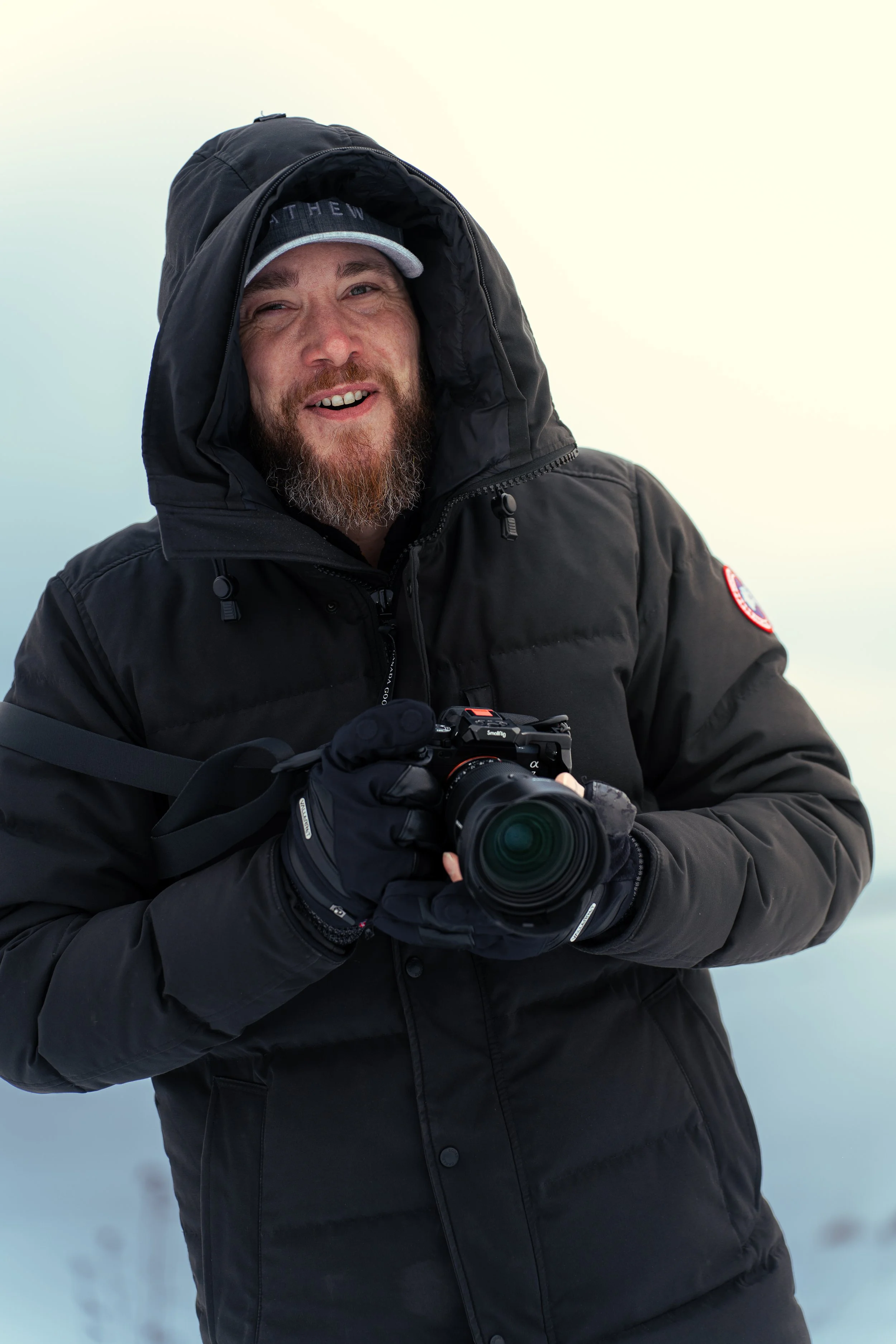
I’m a Helsinki-based photographer and videographer behind PixelBirch. My creative work started with a curiosity for cameras, YouTube, and visual storytelling, then grew into photography and video work for people, places, and brands.
Display calibration sits right in the middle of that work. I calibrate the same kinds of screens I rely on for paid visual work, because if a display is too bright, too cool, or drifting over time, every editing decision becomes a little less certain.
Book a Visit
Share the number of displays, where you are in Uusimaa, and what kind of colour-critical work you do. I will reply with availability and a clear quote for your calibration visit.